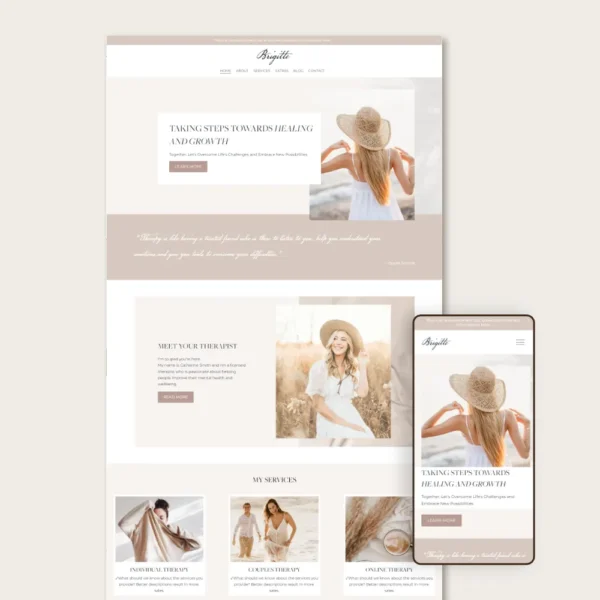
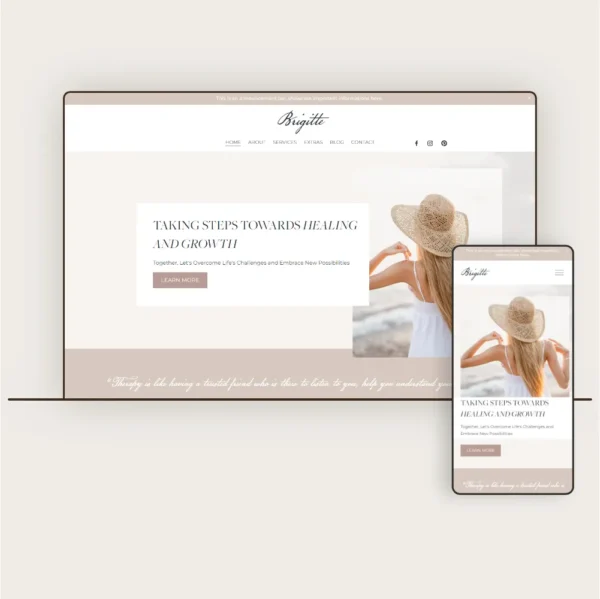
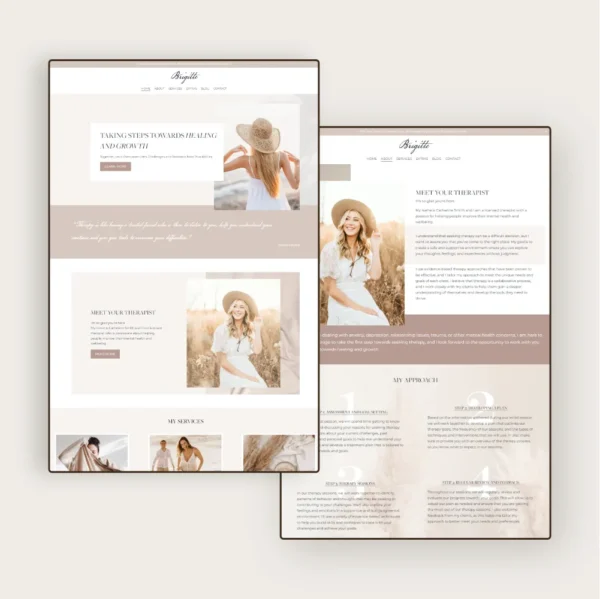
How it works?
STEP 1
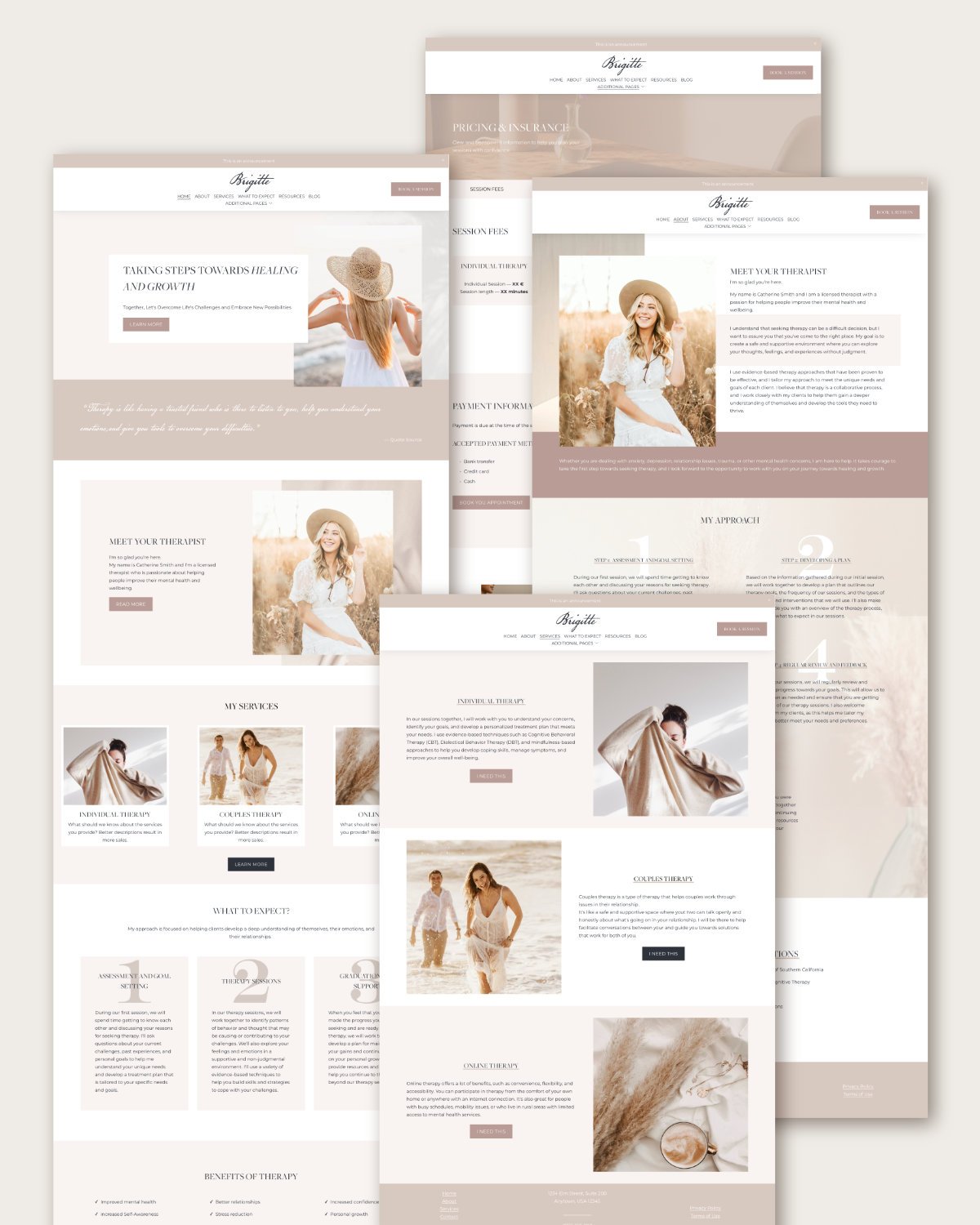
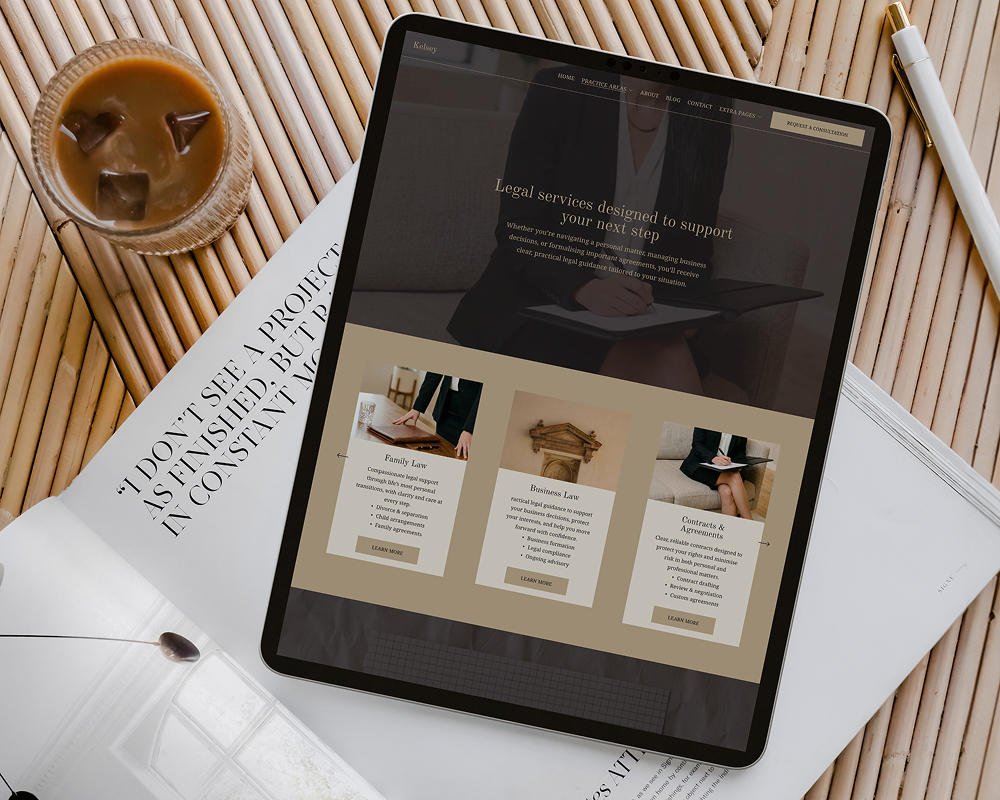
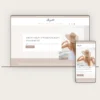
In just 48 hours, you’ll receive a link to your brand new Squarespace 7.1 website, ready for you to customize and make your own.
STEP 2
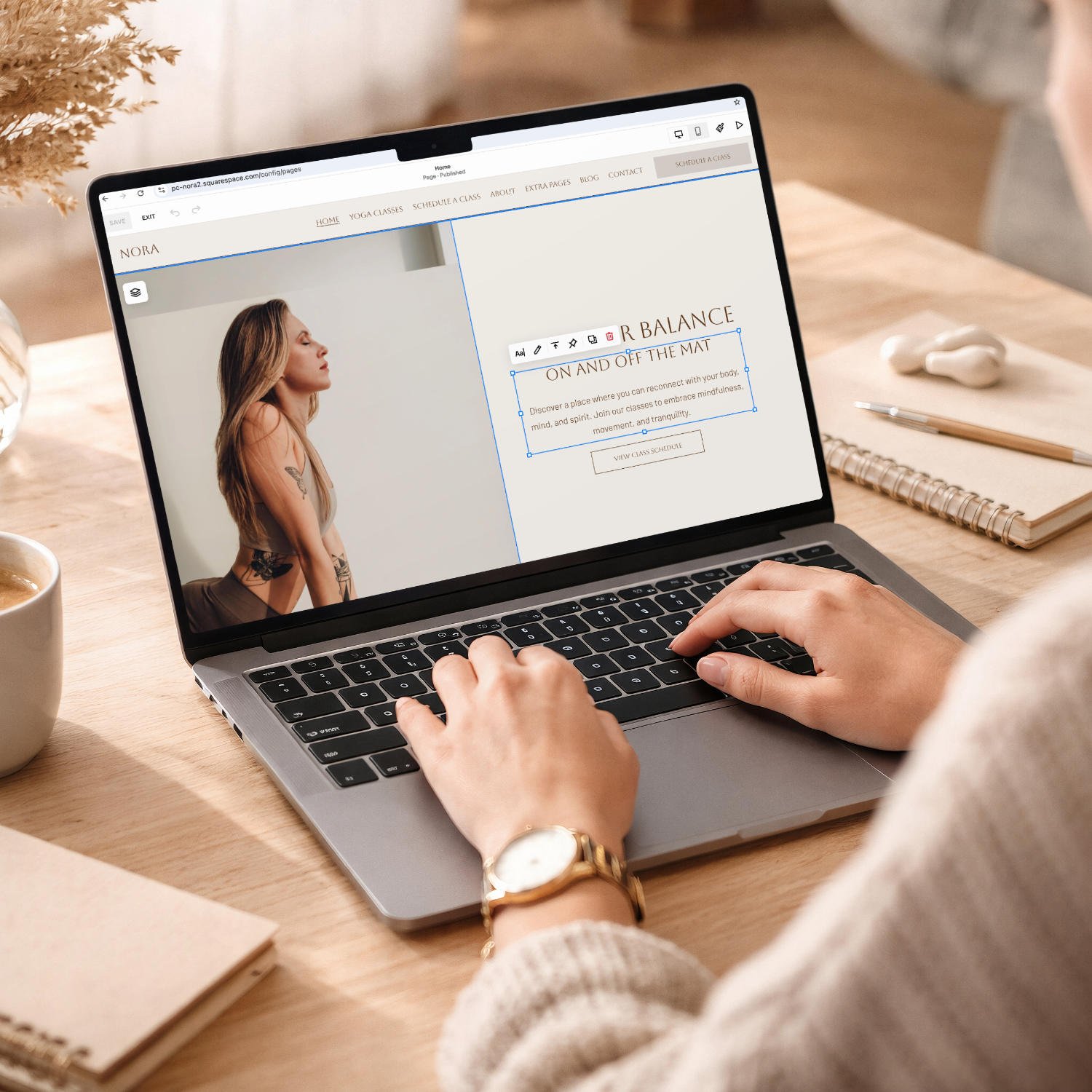
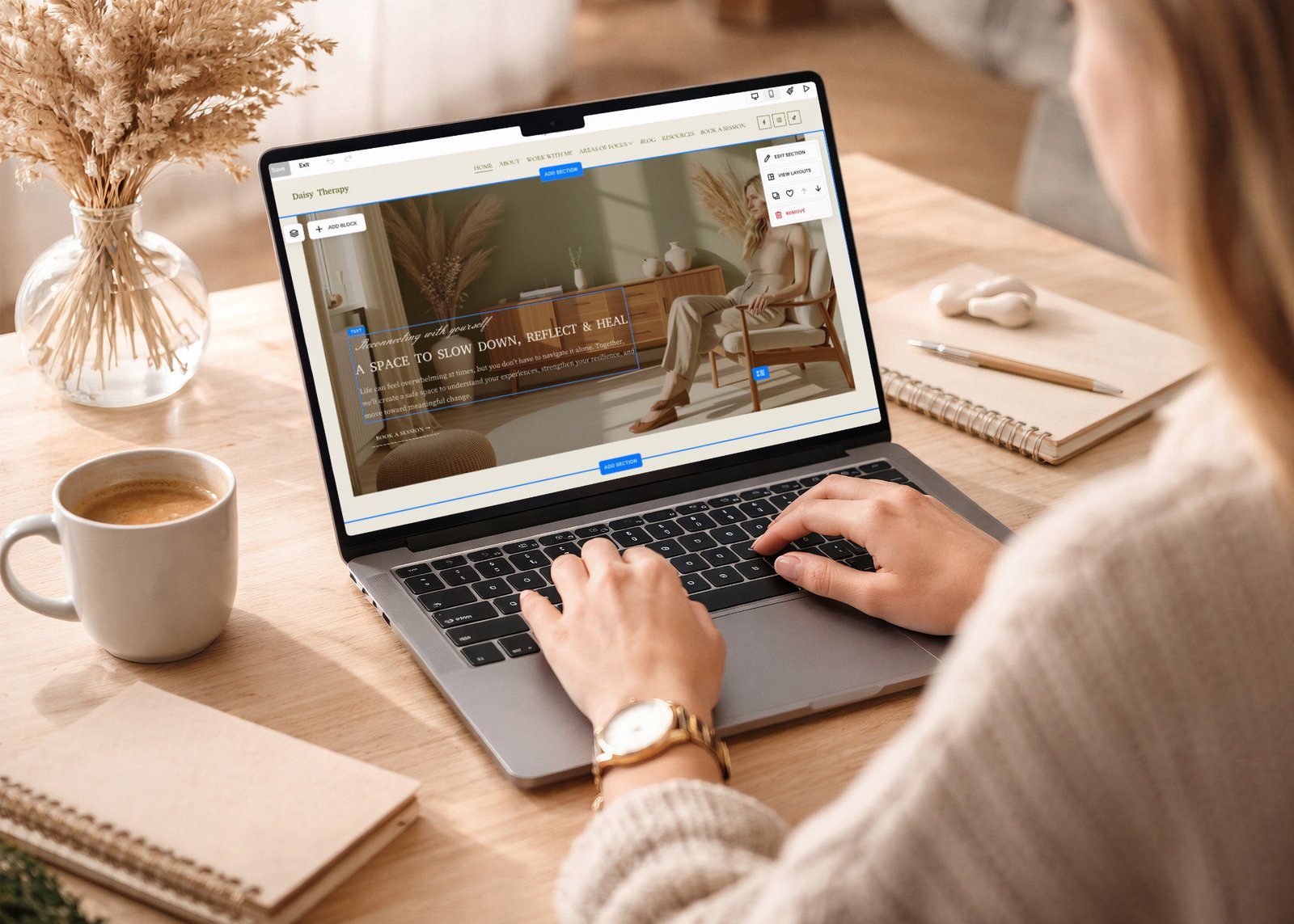
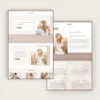
You can add your own images, update the text, and make the template truly your own.
Go ahead, let your creativity run wild and create a website that truly reflects who you are.
STEP 3
Reviews from happy customers
your purchase comes with extra perks! • your purchase comes with extra perks! • your purchase comes with extra perks! •
Your purchase comes
with extra perks!

Why you will love this Squarespace template?
Easy customization
Fully Responsive
Easy setup process
Frequently asked questions
Of course! You can easily change the colour palette globally, or if you want to adjust the colour of individual elements, that’s also possible. Font modifications are supported as well. Some templates include custom cursive fonts, which I added through custom code. if you’d like to change or remove them, just message me, and I’ll take care of it.
Absolutely. You can easily add, delete, or duplicate pages to suit your needs.
Yes! You can add, delete, or duplicate sections and rearrange them easily within Squarespace's drag-and-drop editor.
Yes, you can remove the Blog section if it’s not needed. Alternatively, you can disable it for now if you may want to use it in the future.
Yes! The template will appear as a new website in your Squarespace account, and you can connect your existing domain to it.
Unfortunately, subscriptions cannot be transferred between websites, even within the same account. You can have multiple websites on the same account, but each website requires its own subscription and domain setup. Domains can be disconnected and reconnected to a new website, but subscription plans cannot be transferred.
Unfortunatelly no, the template will appear as a new website in your Squarespace account.
Yes! You can add ecommerce functionality to your site. To do this, you’ll need at least a Business subscription plan.